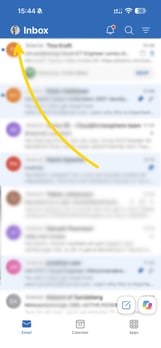
- Click your profile icon in the top-left corner (the round circle with your picture or initials).
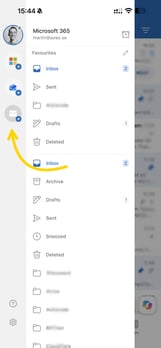
- Click the envelope icon with a “+” sign in the menu on the left.
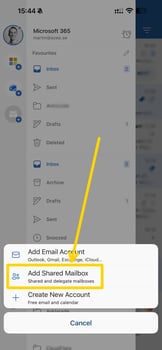
- Select “Add Shared Mailbox”.
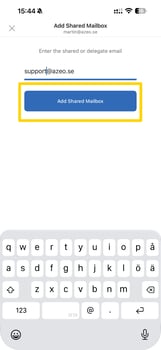
- Enter the email address of the shared mailbox you want to add, then click “Add Shared Mailbox”.