How do you open a shared mailbox in Outlook?
To open a shared mailbox in Outlook, go to File > Open > Shared Mailbox, search for the mailbox, and click Add.
Follow the steps below:
While in Outlook, click File > Open > Shared Mailbox...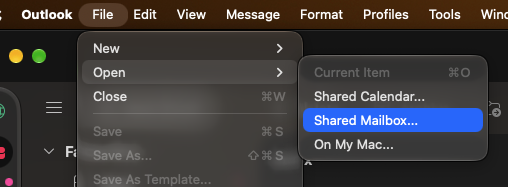
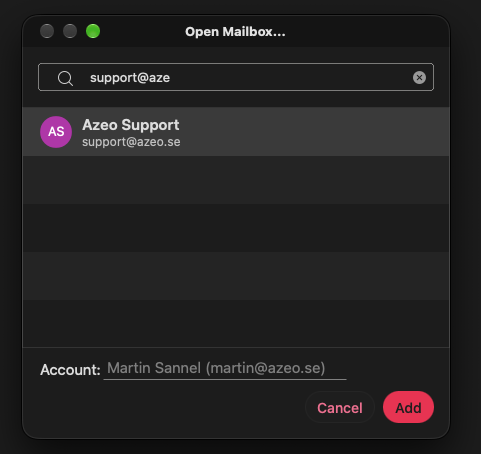
Enter the desired mailbox in the search box, then click Add.