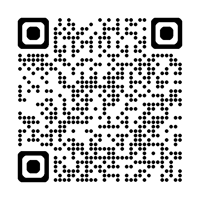
- Scan the QR code with your mobile camera and open the link that appears, or go directly to aka.ms/mfasetup
- Sign in if needed, then click "Add sign-in method" and choose "Passkey"
- Click "Next", then click "Next" again
- Select "Save to Google Password Manager"
- Verify your identity again using your password and/or two-step verification
- Name your passkey and click "Next"
- Done! Your passkey is now connected to your account
English